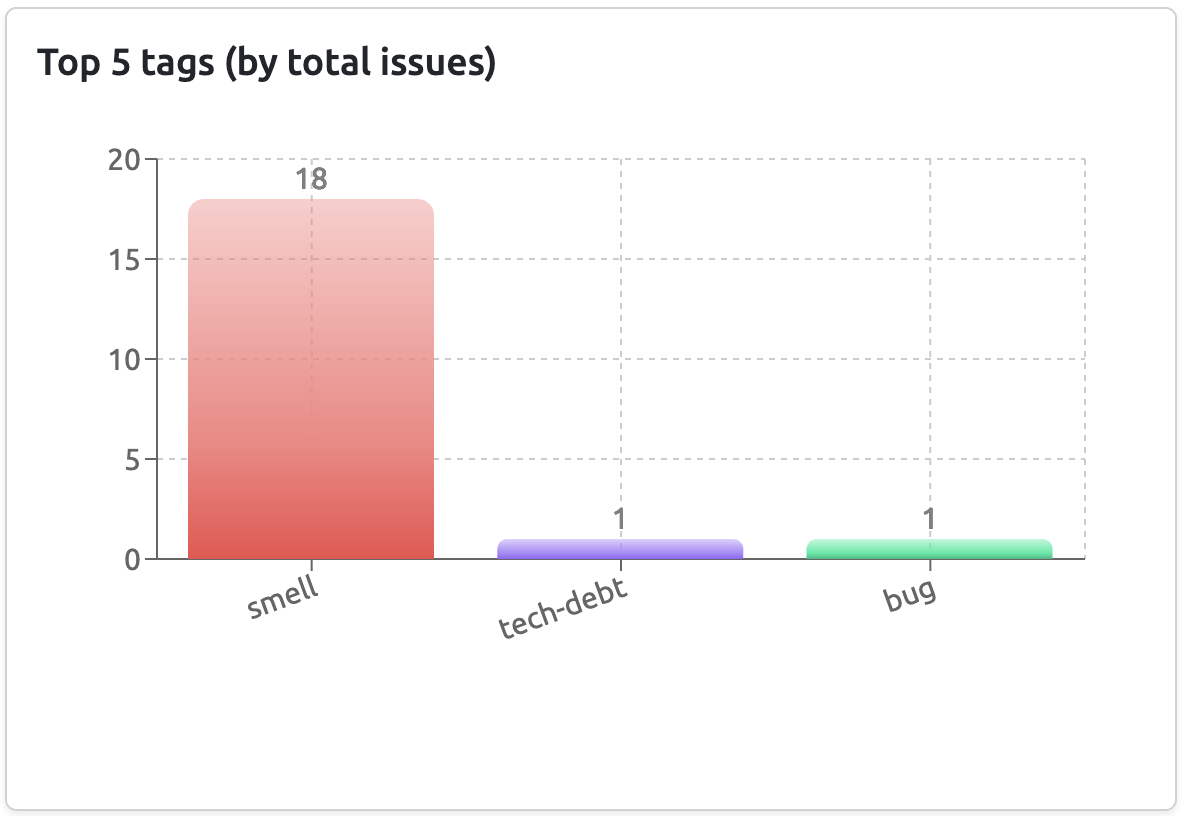
Configure GitHub Issue Tags
DCode allows you to define and monitor custom tags for GitHub issues within your connected repositories. By using tags, you can categorize, prioritize, and track relevant issues more effectively.
Go to your project settings page by clicking on the gear icon on the project card. Navigate to the GitHub tags to track section. Here, you can create new tags by specifying a name.
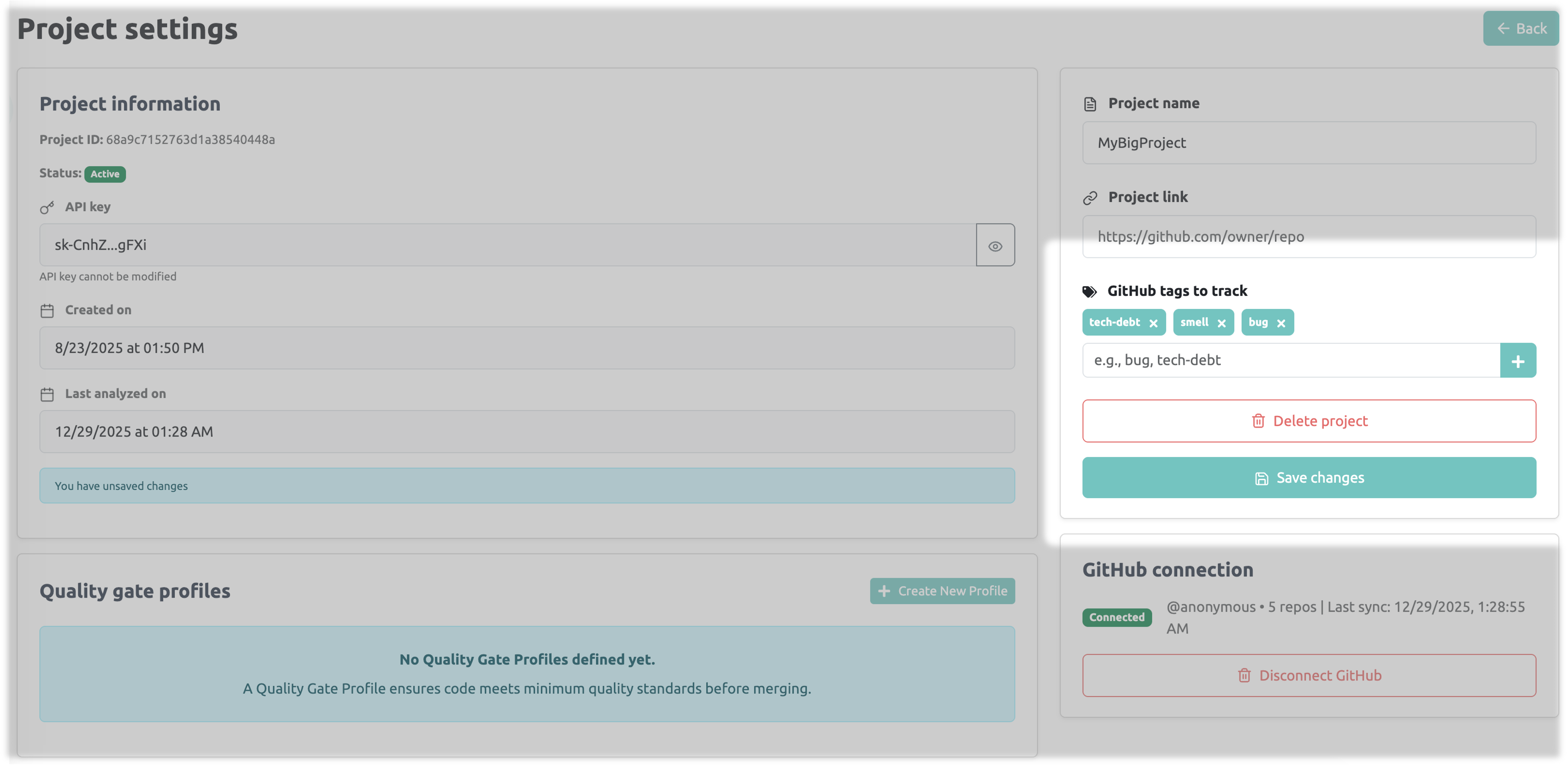
Once created, these tags will be tracked and rendered in your Repository insights page of your project.