Connect Your GitHub Repository to DCode
Connecting your DCode project to a GitHub repository provides a unified view of your engineering activities and team productivity. DCode automatically extracts key metrics from your repository, including commit and merge frequency, issue activity (open and closed issues), contributor participation, and issue labeling patterns.
Follow these steps to connect your DCode project with your GitHub repositories:
Open project settings: Click the gear icon on the top-right corner of your project card.
Start the connection: Click the
Connect to GitHubbutton at the bottom-right of the settings page. You will be redirected to GitHub.Authorize DCode: Sign in to your GitHub account and select the organization and repositories you want DCode to access. DCode requests read-only access to specific repositories. You may select multiple repositories; later, you’ll be able to choose which repository connects to which DCode project.
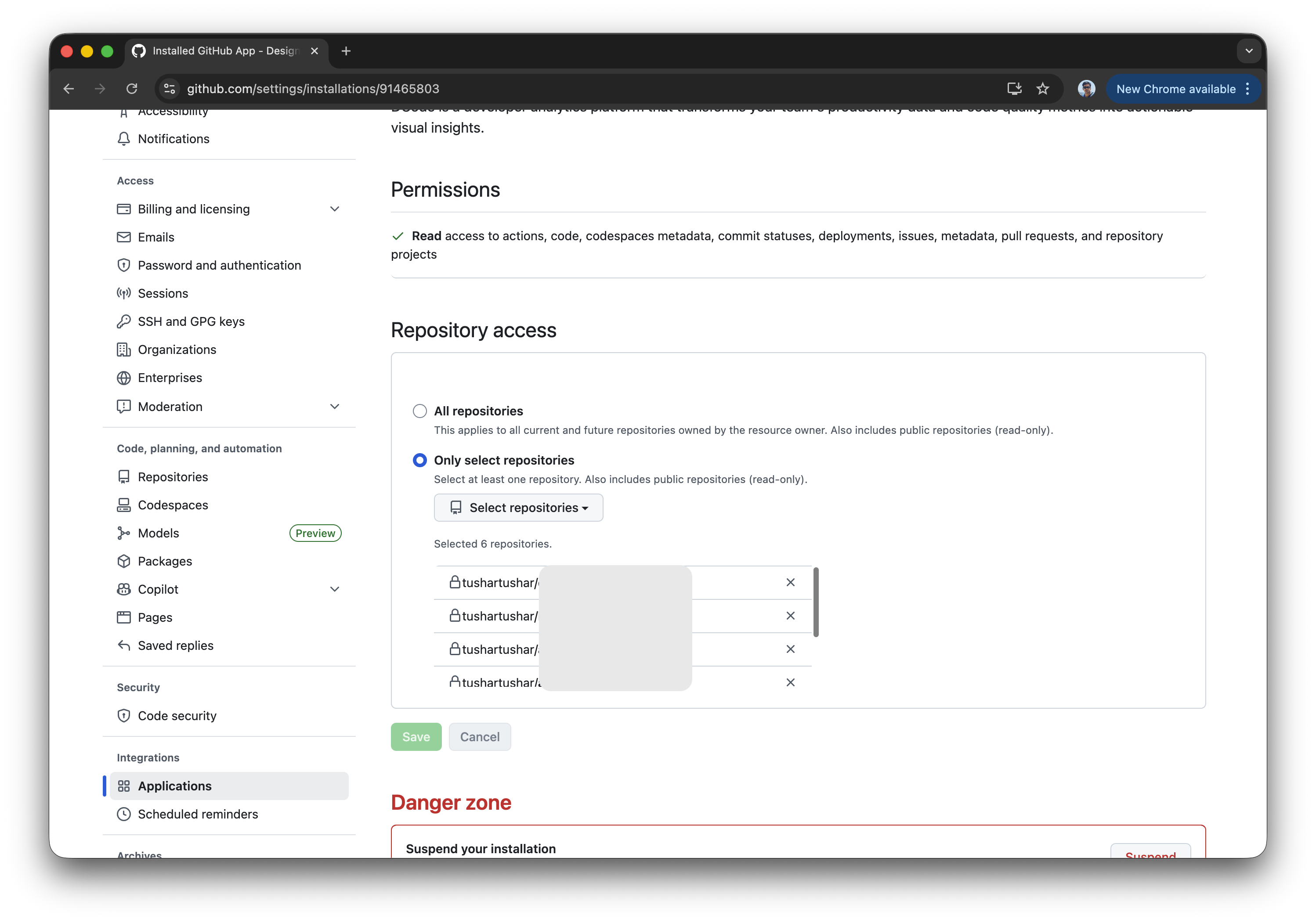
Return to DCode: After saving your selection, GitHub will redirect you back to the DCode platform.
Select a repository in DCode: Open your project and click
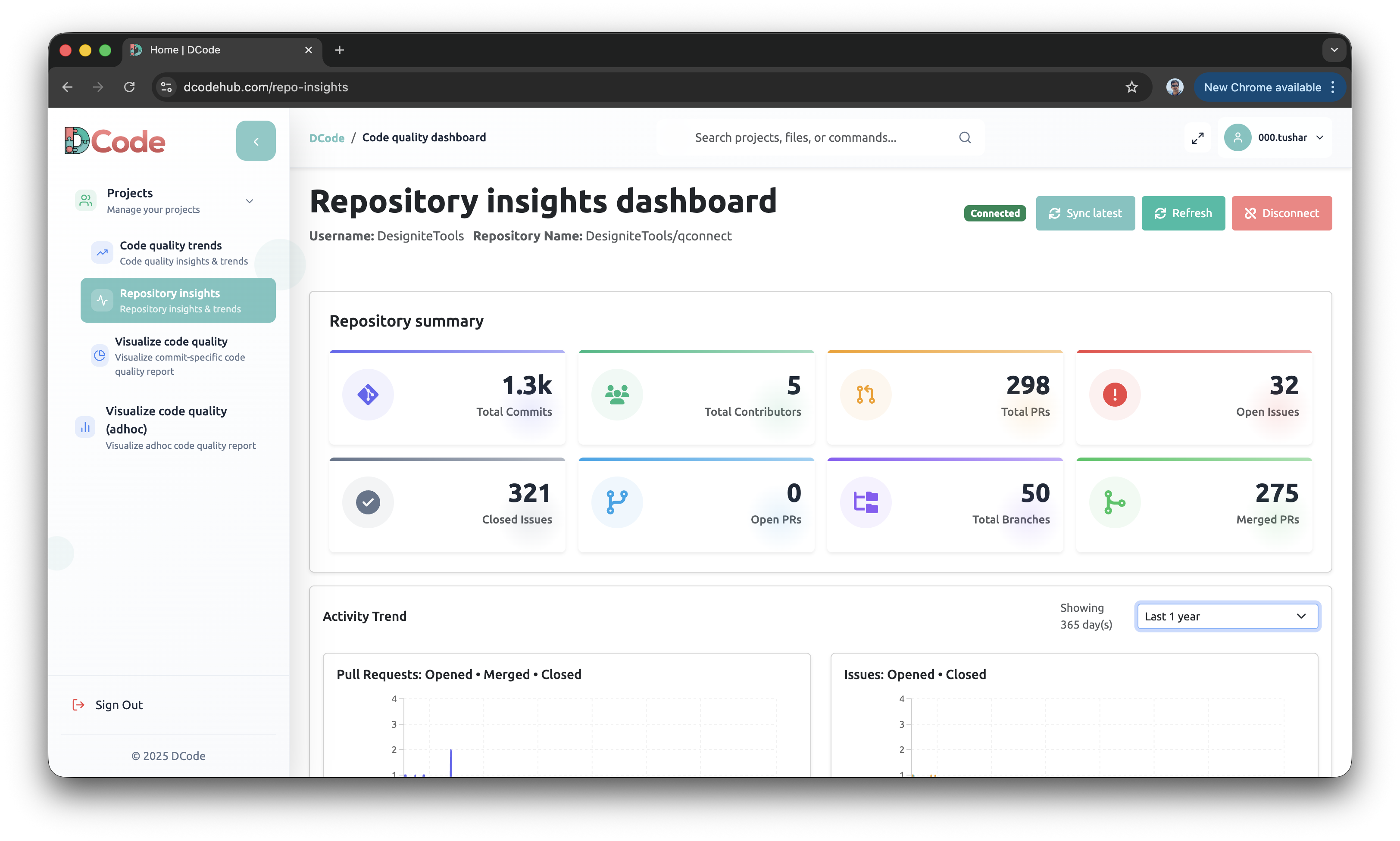
Repository Insightsoption in the sidebar. DCode will display the repositories available from your GitHub account. Select the repository you want to connect, and DCode will automatically fetch and analyze data from GitHub.Once the connection is complete, the
Repository Insightsdashboard will appear, showing metrics such as commits, merges, issues, and contributor activity.