Setting Up Your First Project
Create your account on the DCode platform, if you haven’t already.
Log in to your account. You’ll be taken to your project dashboard, which will be empty the first time you sign in.
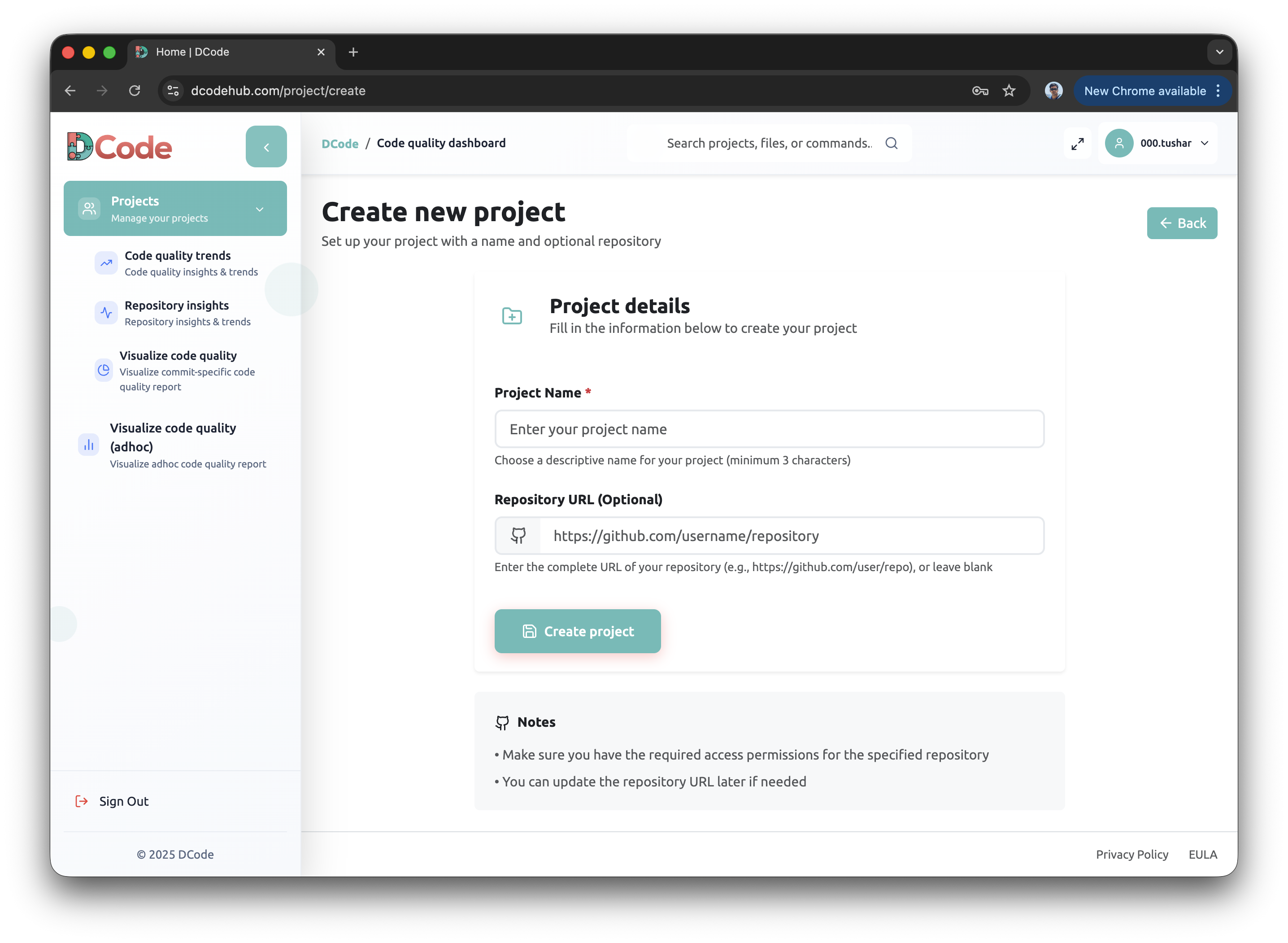
Create a new project by clicking the “Create Project” button in the top-right corner.
- Enter your project details
Project Name — required (you can include spaces)
GitHub Repository URL — optional, if you want to link your project to a repository.